

Your first workflow
Type a prompt like this into the Canvas agent:Find fintech companies with 50-200 employees, get the VPs of Engineering, and pull their emails.Canvas takes it from there.
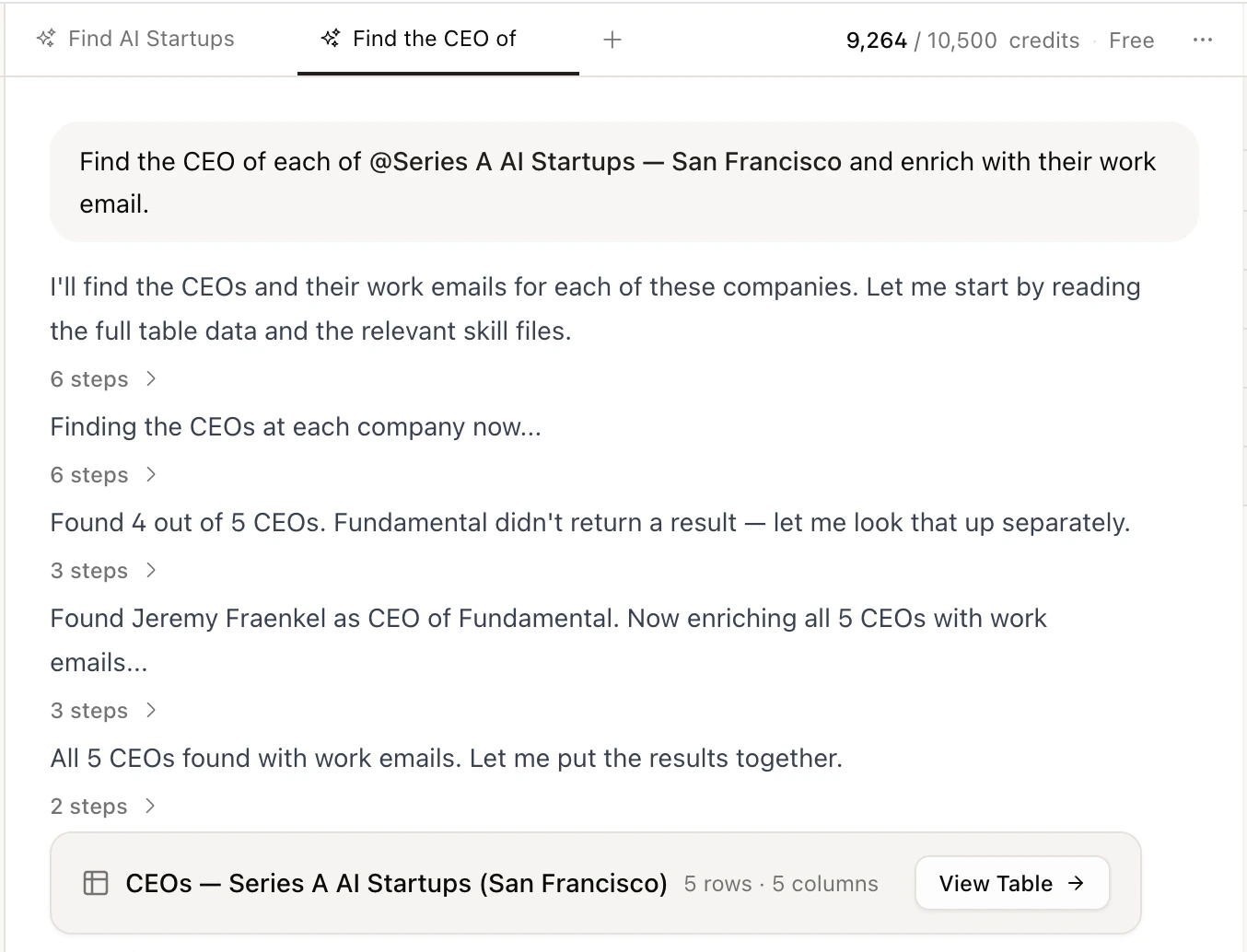
What happens
1
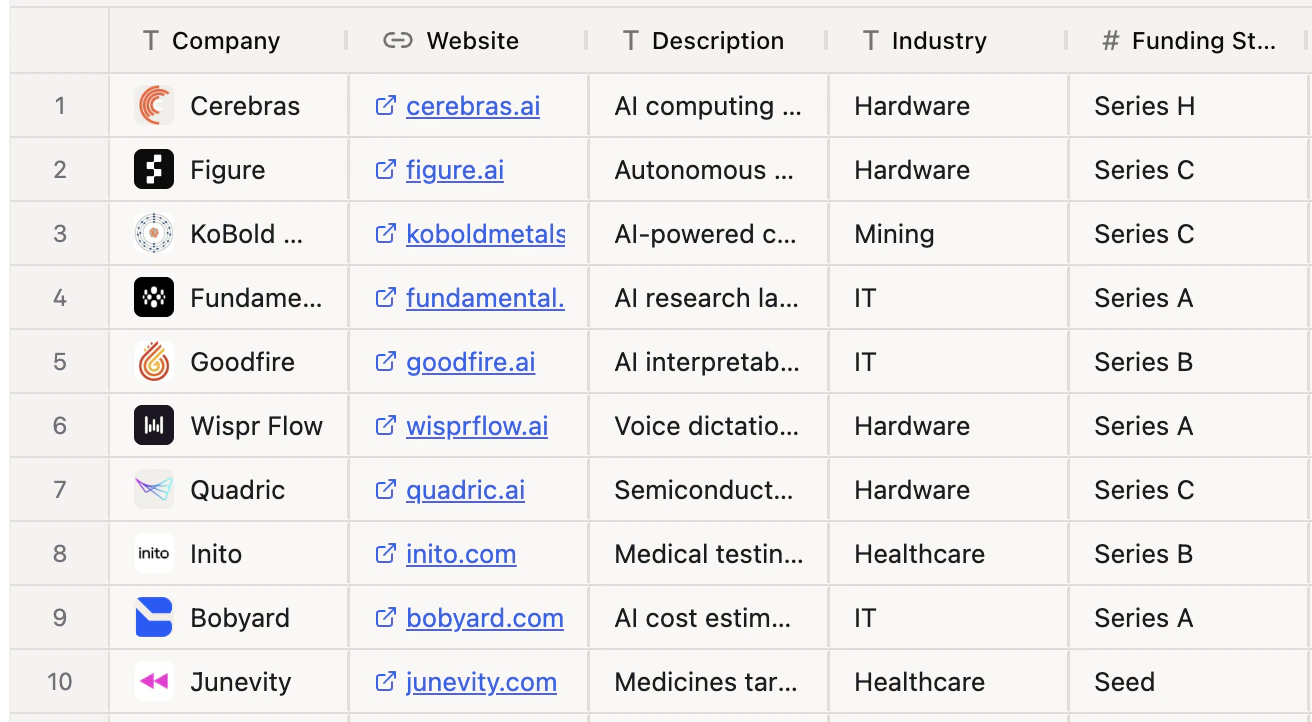
Canvas finds companies
Canvas searches for companies matching your criteria: industry, size, location, funding stage, and more.
2
Canvas finds decision makers
It identifies the right people at each company based on the titles and seniority you asked for.
3
Canvas gets contact info
It enriches each person with verified emails and phone numbers using multiple data sources.
Push to your CRM
If you’ve connected a CRM, just ask:Push these leads to HubSpot.Canvas creates contacts in your CRM automatically. See Integrations to connect your apps.
What’s next
Canvas Data MCP
See everything Canvas can do under the hood.
Example Use Cases
Explore real GTM workflows like outbound, inbound, and account research.